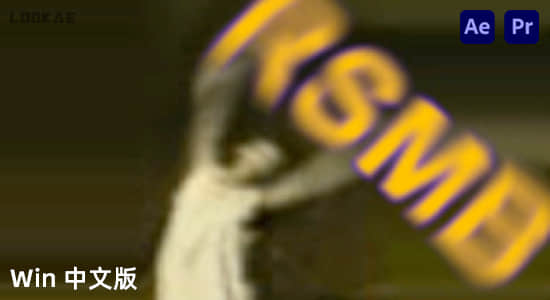

使用插件拖动网格上的点即可重塑下方所有元素,然后移动、缩放、旋转图层或将其转换为3D图层,变形效果将保持不变。两个网格,一个滑块:只需构建一次最终形状,即可使用“数量”功能进行混合。您也可以跳过调整图层,直接将其应用于其他图层,功能相同——网格会自动适应文本和形状。
Your adjustment layer is the mesh. Drag the points of a grid to reshape everything underneath, then move, scale, rotate or make the layer 3D and the warp stays attached. Two meshes, one slider: build the finished shape once and Amount blends to it. You can also skip the adjustment layer and apply it directly to a layer, with the same features – on text and shapes, the mesh fits the letters automatically. Works in After Effects and Premiere Pro.
支持Win/Mac系统:
- After Effects 2027, 2026, 2025, 2024
- Premiere Pro 2027, 2026, 2025, 2024
【下载地址】
城通网盘 访问密码:6688 百度网盘 提取码: qsw4 阿里云盘